 LAST BELL STUDIO
CHOOSE A TOOL
TEACHER TOOLS
Practical utilities designed for the moment you need them in class: quick to open, readable on a projector and free of setup mazes.

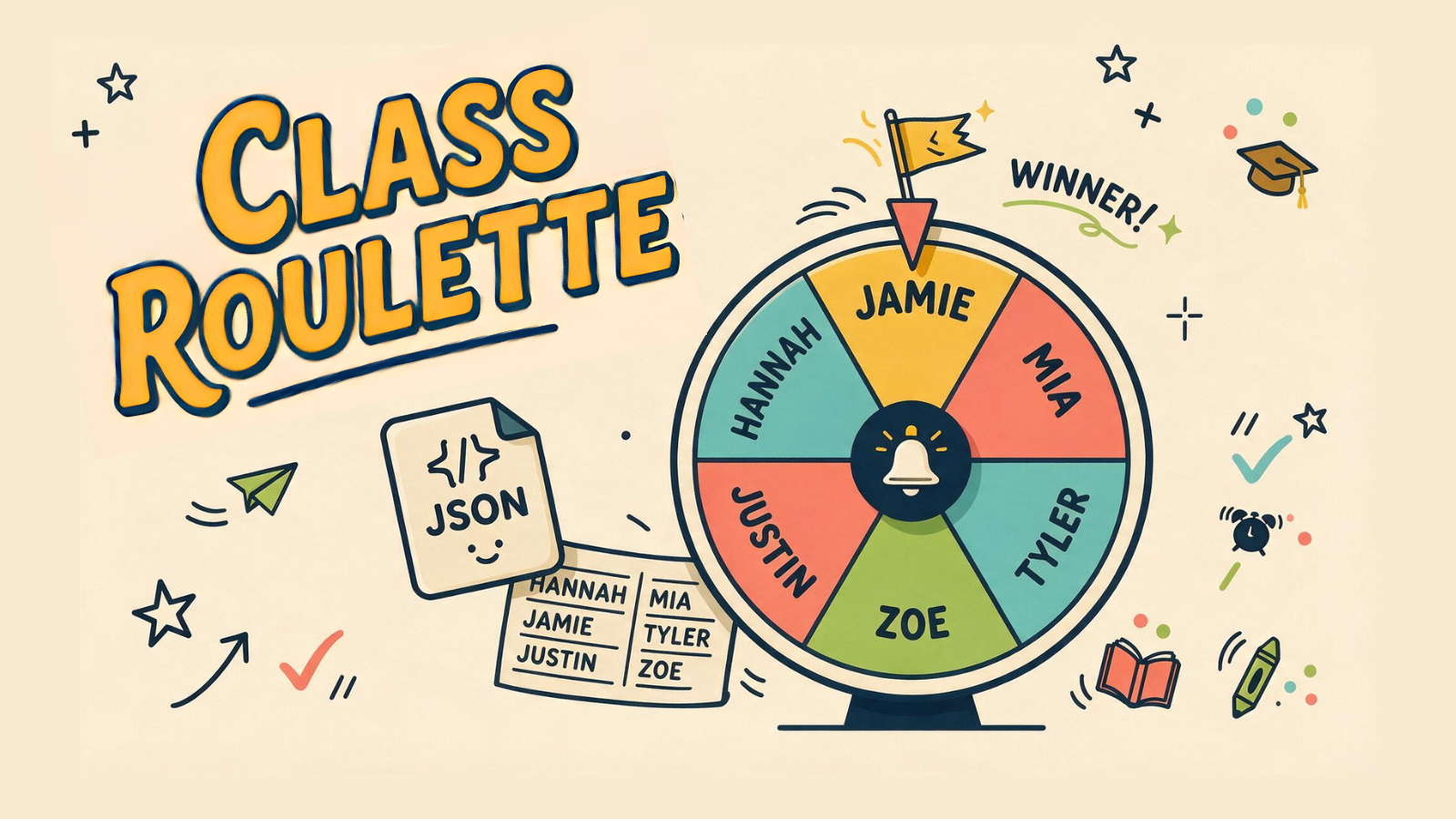
Choose the tool that removes a small interruption.
You do not need to build a whole lesson around these tools. Keep the useful one ready for a transition, a team challenge or a short speaking round. The teacher operates the controls while the class concentrates on the activity.
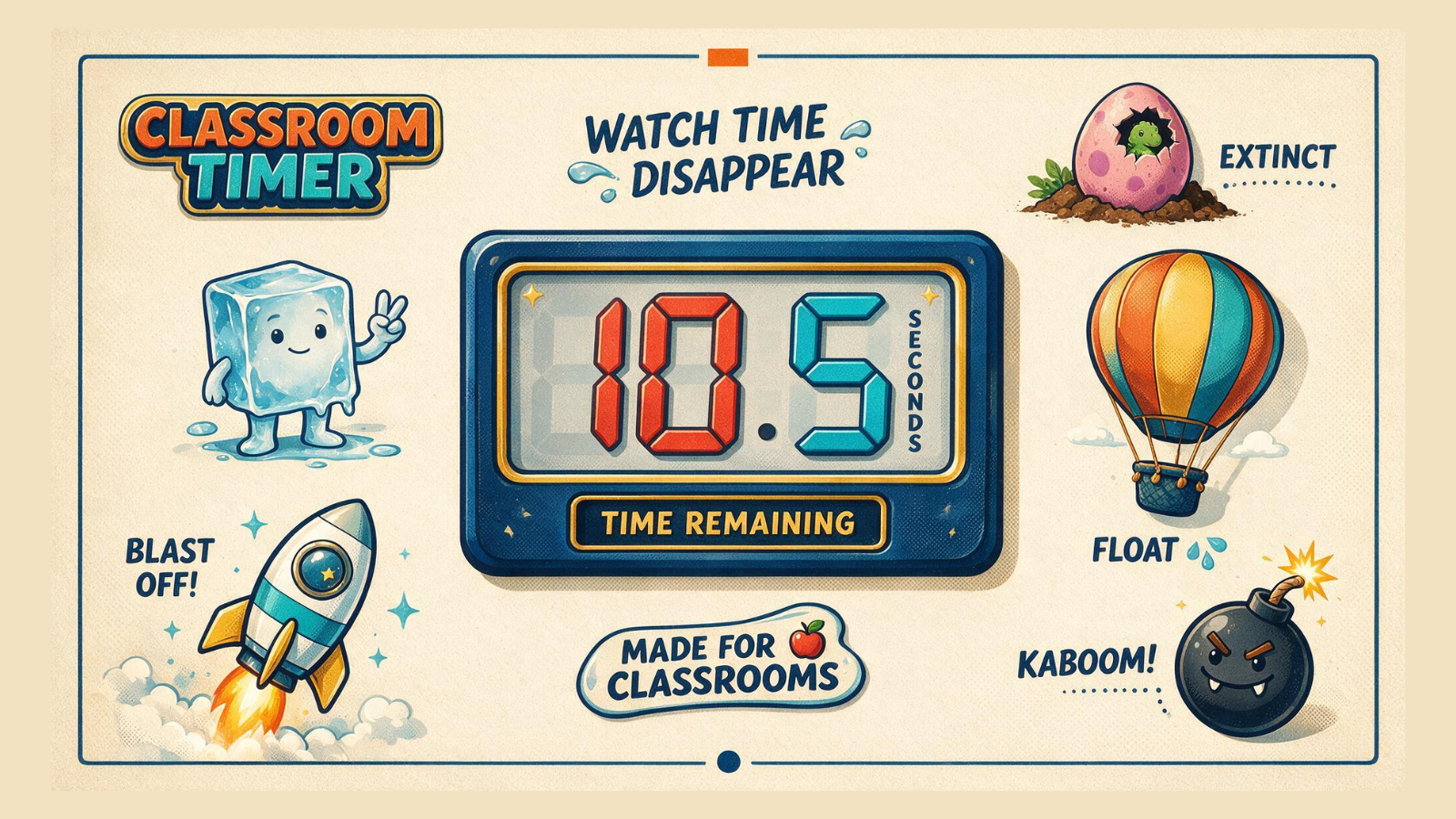
Classroom Timer
Show students how much time is left with an animated countdown. Optional YouTube background music can continue while you pause, reset and reuse the timer.
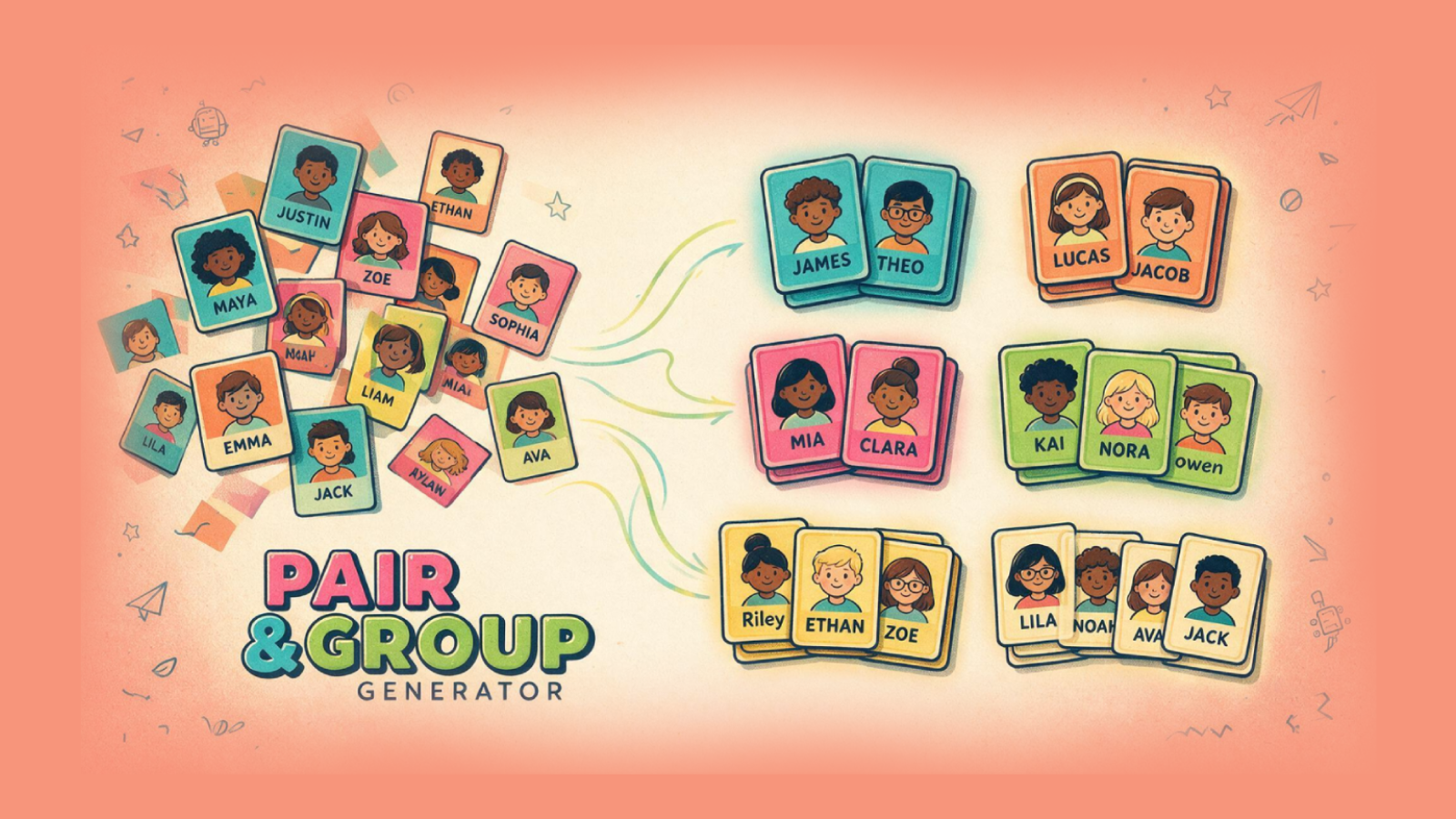
Pair & Group Generator
Reuse a class list, mark absent students and make today’s groups. It suits speaking rotations, mixed-group review and activities where choosing partners takes too long.
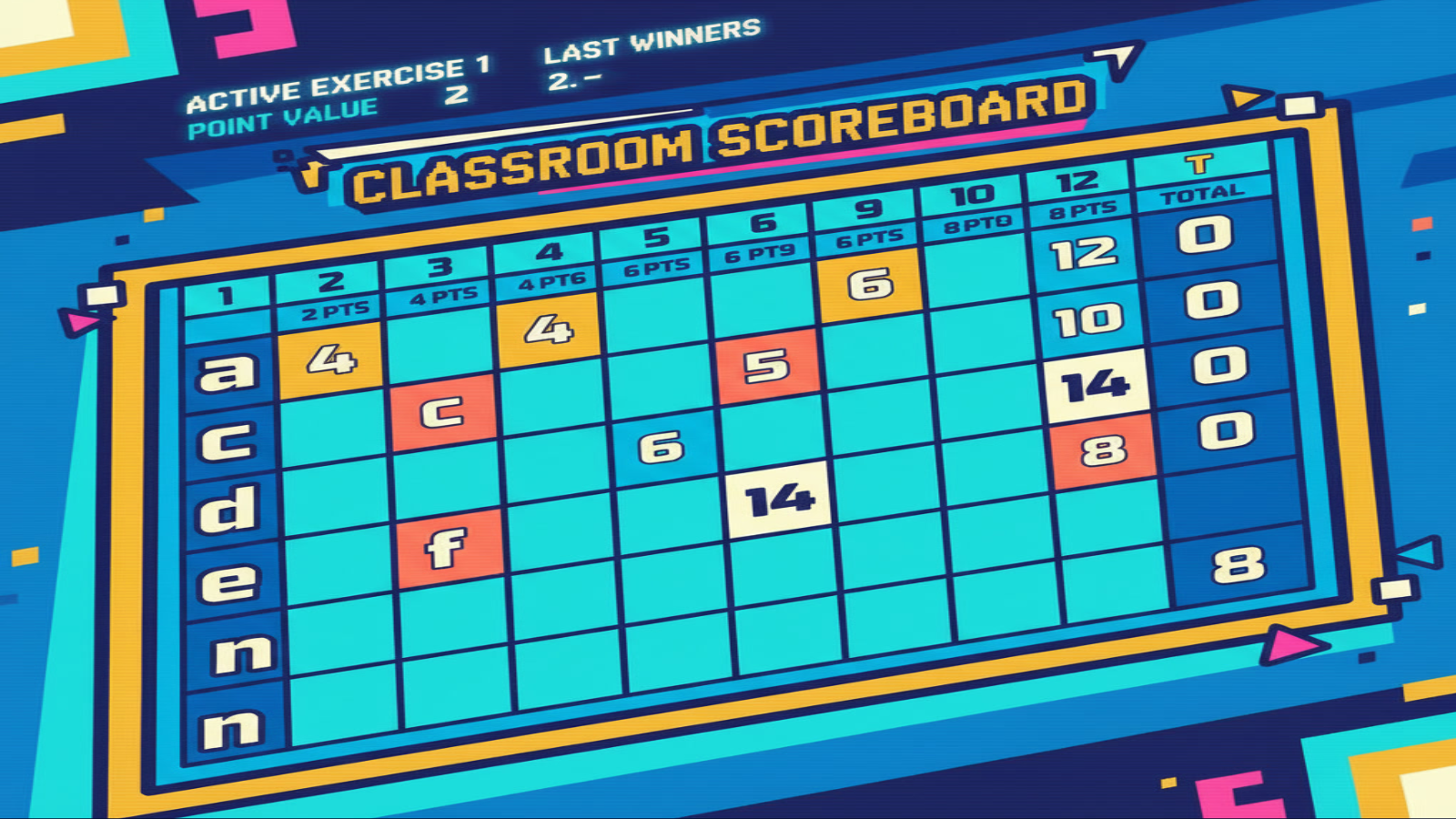
Classroom Scoreboard
Record the top three teams across a sequence of exercises. Weighted scoring gives later rounds more influence; explain that structure before the competition begins.
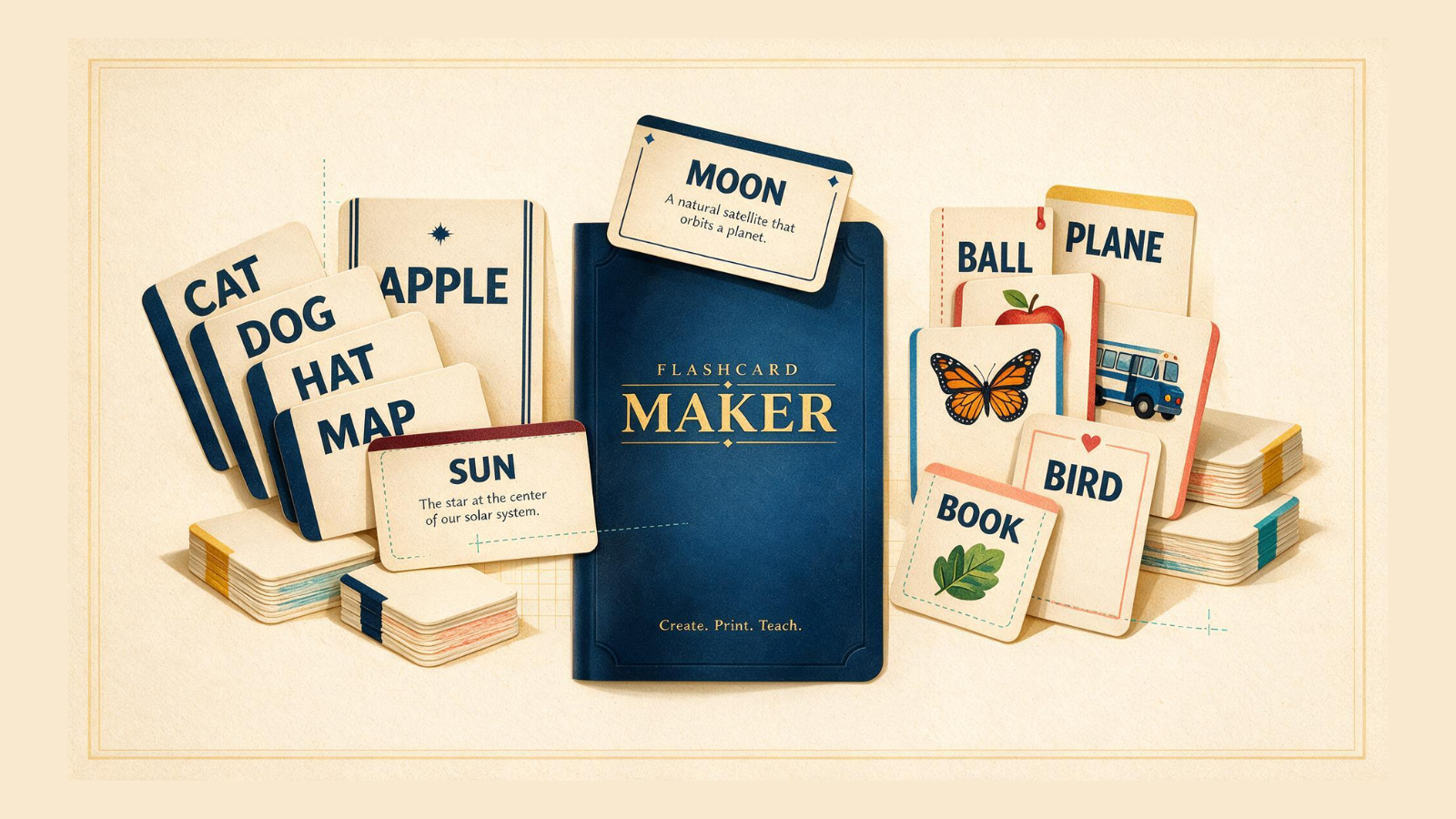
Flashcard Maker
Turn your images and words into printable classroom cards. Choose a double-sided, image-and-word or memory format to match how students will handle the cards.
Random Generator
Generate numbers, roll dice, draw cards or toss a coin. Use the result to choose a prompt or add variety to a practice task you have already prepared.
Random Student Selector
Choose a student from a saved roster or a quick list. Check attendance first, then select someone to begin, report back or take the next turn.
Match the tool to the job.
Choose the group generator for arranging everyone and the random student selector for choosing one person. Use Flashcard Maker before class; timing and scoring tools can stay open during class. Preview controls, avoid projecting unnecessary personal information, and check saved lists on shared computers.
Match the tool to the classroom bottleneck.
If students spend too long choosing partners, prepare the groups with Pair Quest before giving task instructions. If transitions drag, show the Classroom Timer and explain what must be ready when it ends. If teams lose track of results, use Scoreboard to make progress visible.
Example: a twelve-word team dictation.
Make teams of two or three, give each a letter and prepare the same letters on the scoreboard. Dictate a word, check the first three correct answers, record the team letters, then advance the exercise. The full dictation-race guide includes actual app screenshots and explains how increasing point values keep later rounds meaningful.
Prepare once, then teach.
Test the display from the back of the room, check attendance before generating groups, and agree on the scoring rule before the first answer. Use a practice round to find misunderstandings in the instructions. Where a tool supports exporting, keep a copy of important material before clearing browser data or switching devices. Avoid putting sensitive student information on a projected screen.
Open it. Use it. Get back to teaching.